
Security operations
Document: LK-MAN-EN-02 · Version: 0.1
Last updated: 2026-07-18 · Status: draft / requires product review
Audience: analysts, administrators, and owners
Use the platform only on assets you own or are expressly authorized to assess. Screenshots use synthetic data.
Contents
- Domains and inventory
- Alerts
- Cases
- Findings and risk
- DNS and email security
- Uptime and status pages
- ASM
- Brand protection
- Reports
- Identity Leaks
- Operating cycle
<a id="domains-and-inventory"></a>
1. Domains and inventory
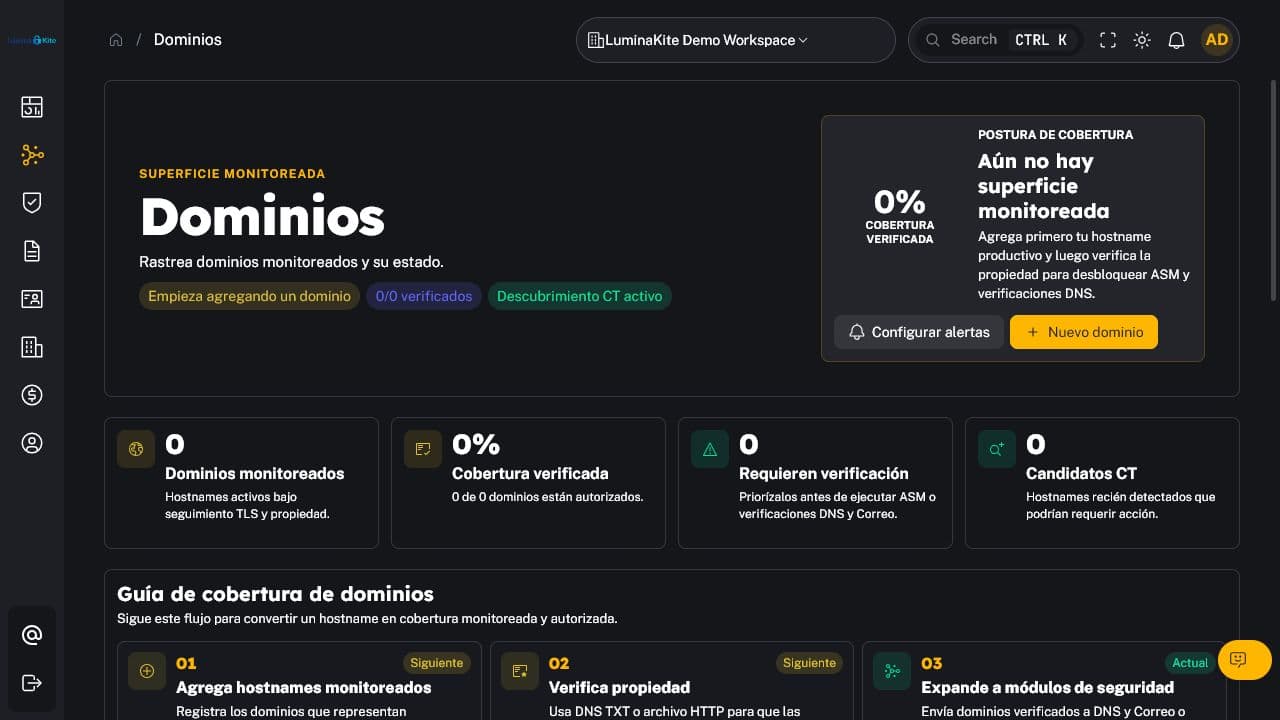
Figure 1. Domain inventory and onboarding. Captured: 2026-07-18.
1.1 Add and verify
- Open My domains and select the add action.
- Enter only the domain name, without credentials or confidential information.
- Complete the requested verification method when applicable.
- Wait for validation and open the domain detail.
Verification confirms control and enables advanced assessments. The organization has separate limits for total and verified domains.
1.2 Capabilities
- inventory, state, and activity per domain;
- TLS posture and certificate expiry;
- Certificate Transparency discovery (Pro);
- related DNS/email, ASM, uptime, brand, findings, alerts, and cases;
- history and rechecks according to plan retention.
A successful scan is not a guarantee that risk is absent. Review coverage, date, evidence, and check limitations.
<a id="alerts"></a>
2. Alerts
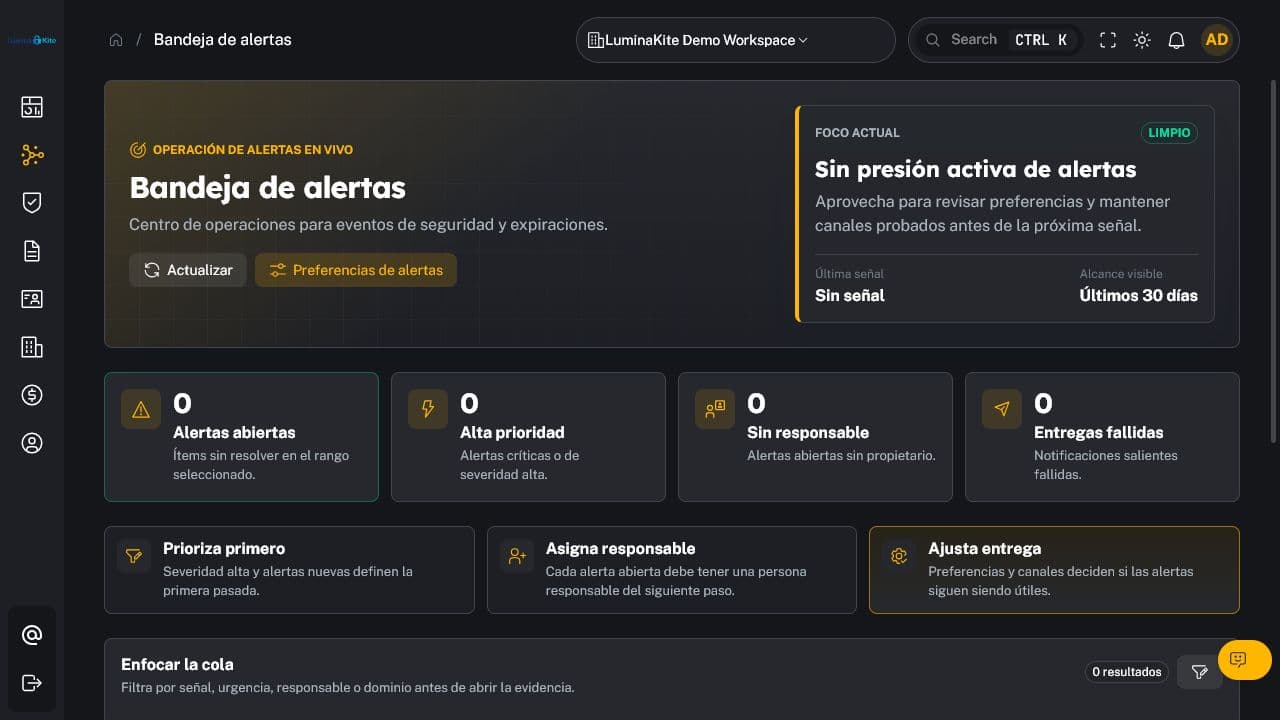
Figure 2. Unified alerts filterable by severity and state. Captured: 2026-07-18.
Alerts communicate changes or conditions that need attention. They can be filtered, acknowledged, and associated with a domain, finding, or case.
Recommended procedure:
- Filter by organization, state, severity, and period.
- Open the event and validate the asset, source, date, and evidence.
- Acknowledge it when someone has taken ownership.
- Create or link a case if remediation is required.
- Do not close noise without documenting the reason or tuning the relevant rule.
All plans: unified alerts. Pro: advanced alerts, webhooks, quiet hours, and greater channel capacity. Business: higher limits.
<a id="cases"></a>
3. Cases
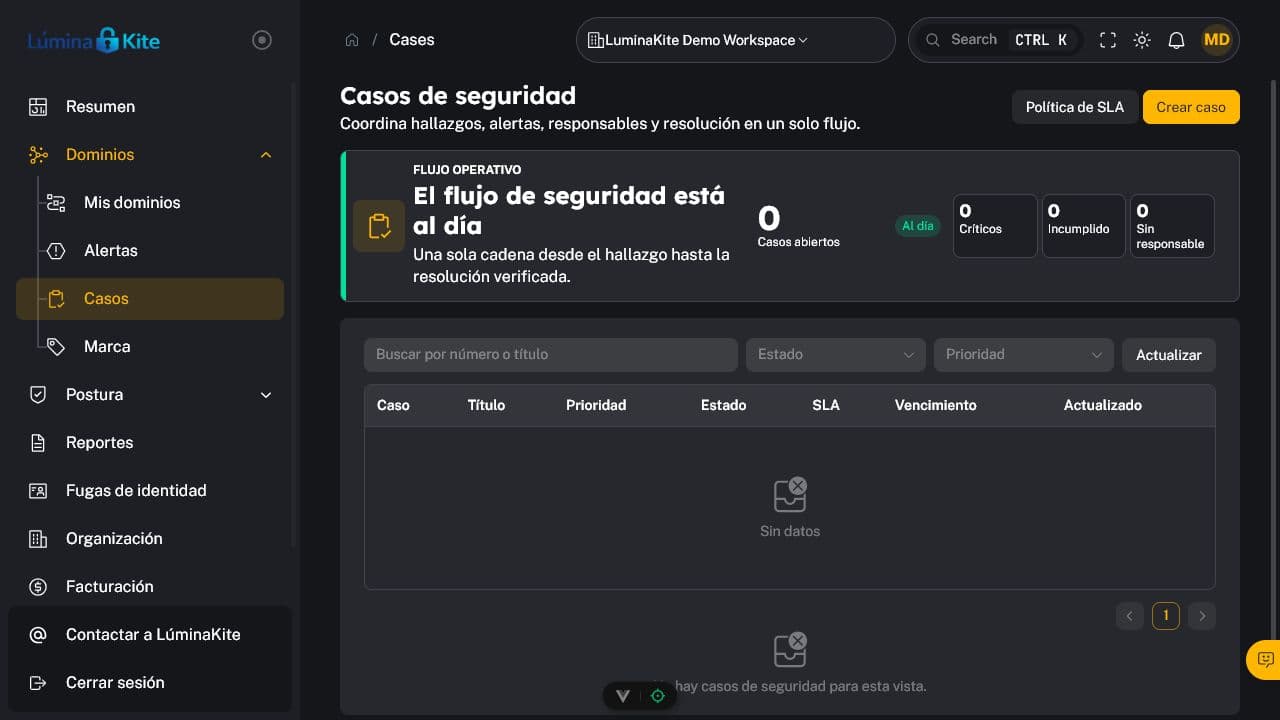
Figure 3. Case inbox with states, priority, and traceability. Captured: 2026-07-18.
Cases group remediation work. They may include title, description, state, priority, assignee, assets, findings, and activity.
Typical states:
Open: awaiting assessment or action;In progress: active work exists;Resolved/Closed: remediation was validated or a formal decision recorded.
Only Admin and Owner should close a case where permission enforcement requires it. Confirm correction evidence or a current risk acceptance before closure.
<a id="findings-and-risk"></a>
4. Findings and risk
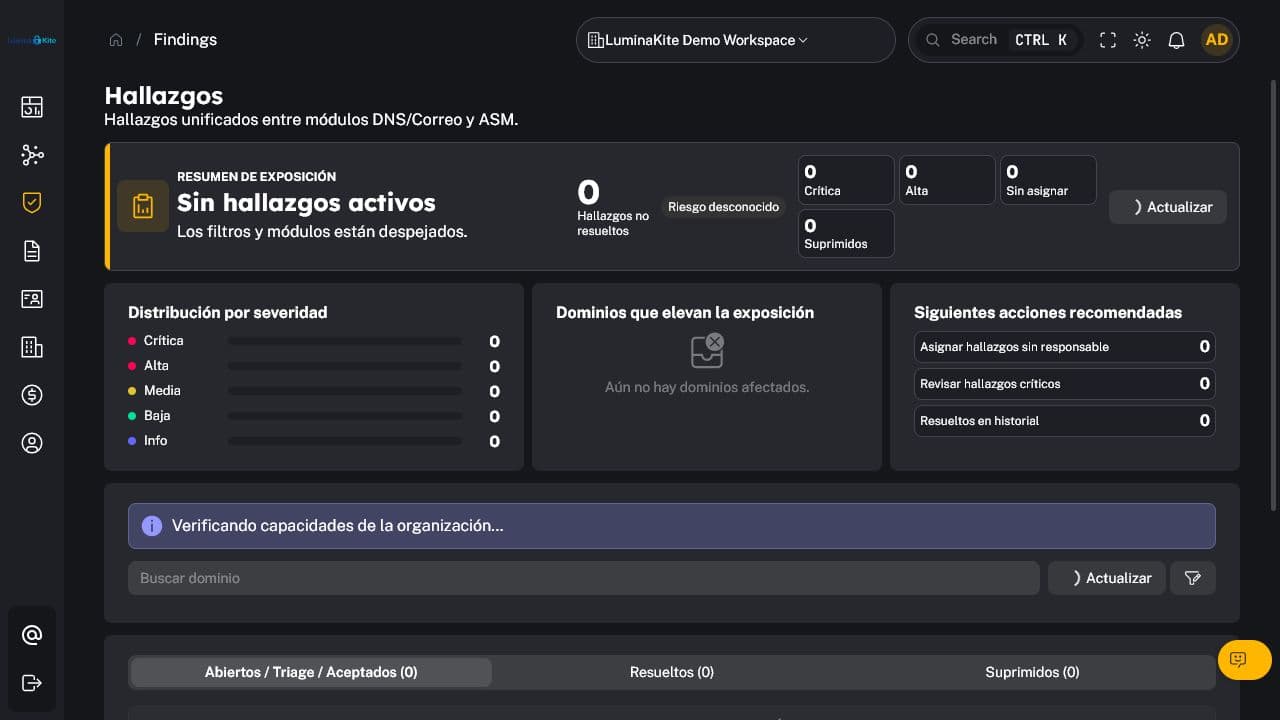
Figure 4. Normalized findings with operational filters. Captured: 2026-07-18.
Review the following for each finding:
- severity, state, and affected asset;
- source, description, and evidence;
- first and last observed timestamps;
- coverage and confidence, when available;
- linked alerts and cases;
- history, remediation, and recheck outcome.
The risk score helps sort priorities. Combine technical severity, exposure, asset criticality, and business context. When accepting risk, record the reason, approver, and expiry; do not use acceptance to hide unreviewed debt.
<a id="dns-and-email-security"></a>
5. DNS and email security
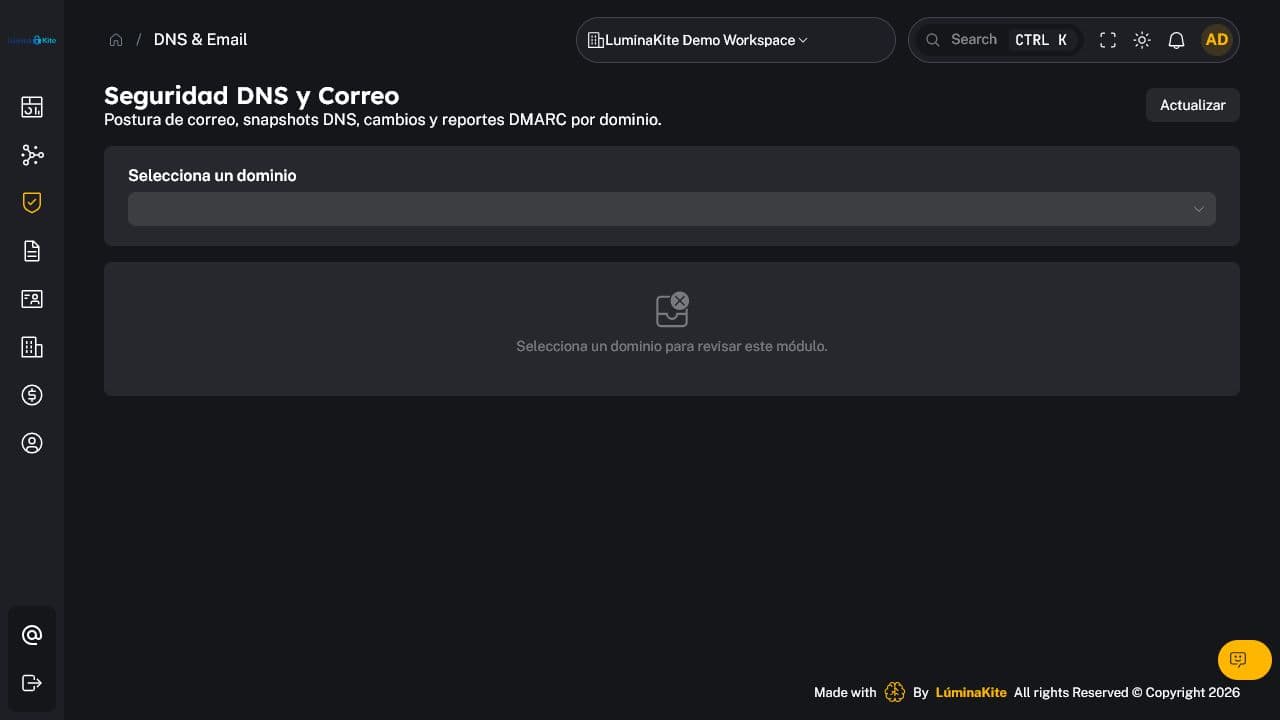
Figure 5. DNS and email-authentication control assessment. Captured: 2026-07-18.
Capabilities:
- All plans: basic DNS/email assessment and periodic checks.
- Pro: full assessment, expected records, snapshots, and relevant changes.
- Business: DMARC RUA ingestion/analysis and the DMARC assistant.
Review SPF, DKIM, and DMARC together. A published policy does not prove that all legitimate sources align. Before enforcing DMARC, inventory senders, validate alignment, and progress in stages while monitoring RUA.
DMARC aggregate reports may contain tenant operational data; apply role-based access, retention, and the processing terms agreed with the organization.
<a id="uptime-and-status-pages"></a>
6. Uptime and status pages
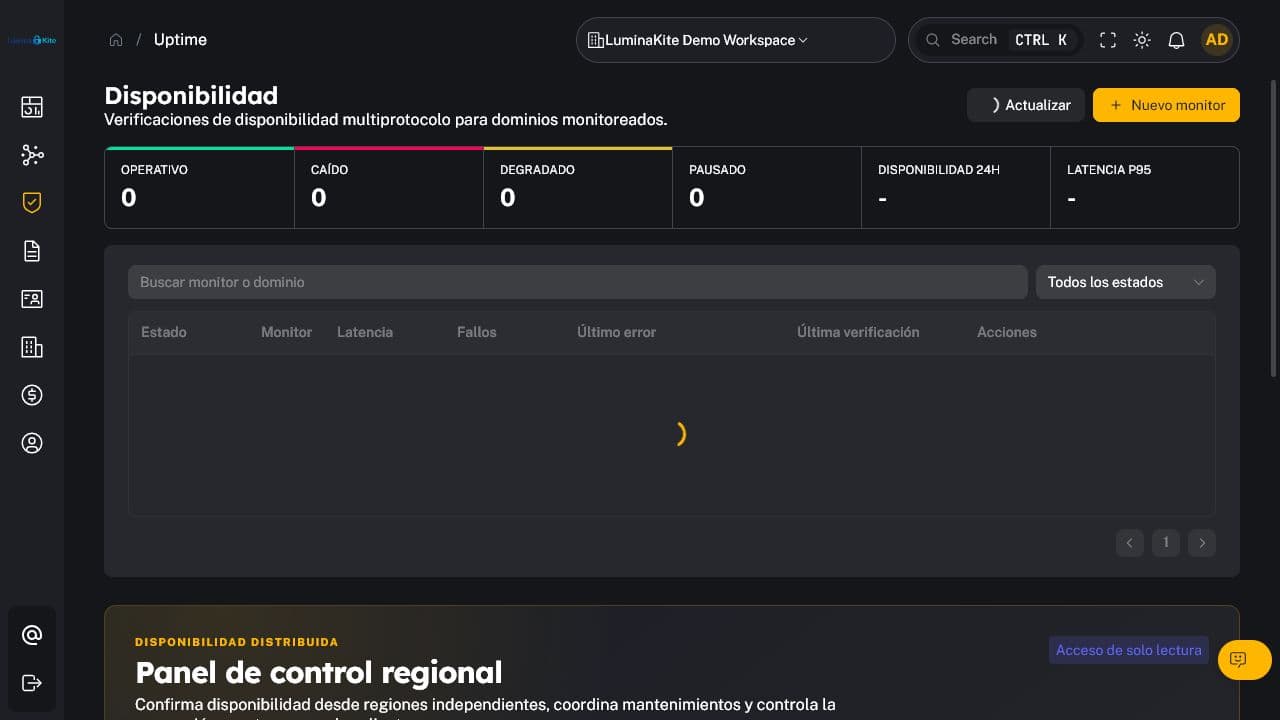
Figure 6. Monitor management and availability state. Captured: 2026-07-18.
Uptime supports compatible endpoint and service monitors, intervals and timeouts, event/history review, and maintenance or deployment windows.
- All plans: basic monitoring within plan limits.
- Pro: multi-region monitoring and one default status page.
- Business: more monitors, regions, retention, and status pages.
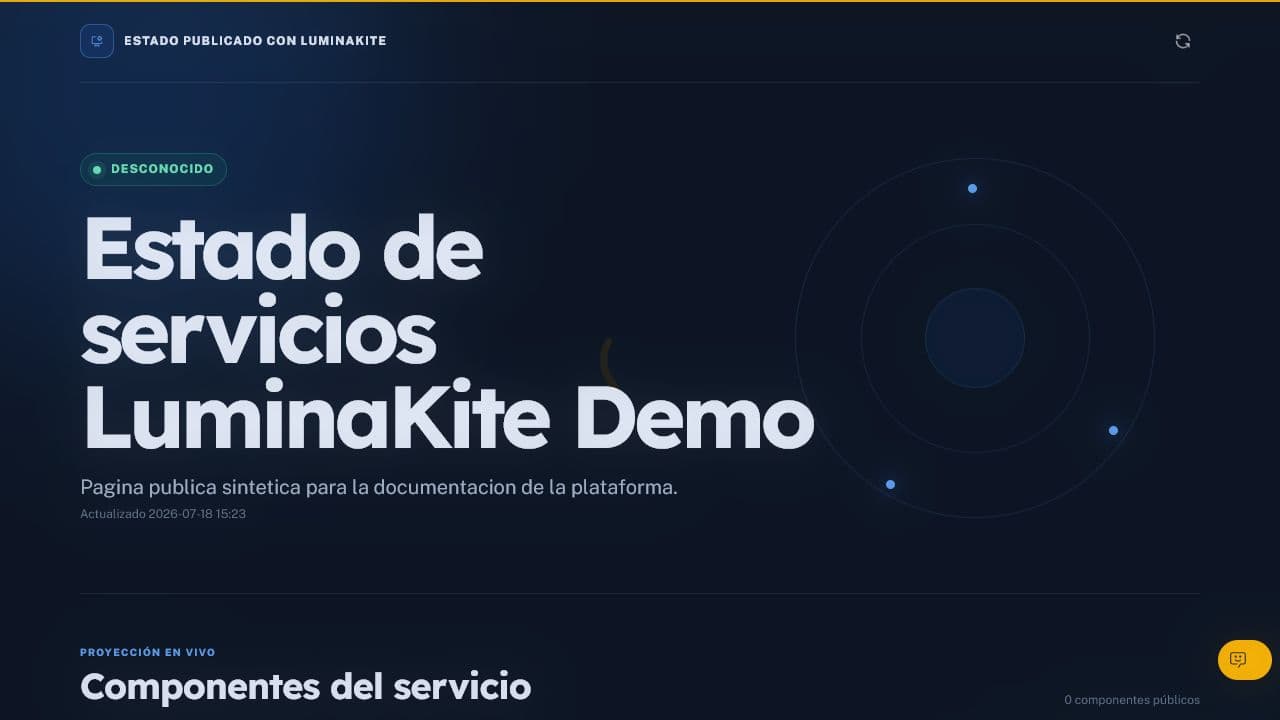
Figure 7. Public status page. Publish only approved components and incidents. Captured: 2026-07-18.
Before publishing a status page:
- use understandable names that do not reveal sensitive architecture;
- review incident and maintenance messages;
- confirm who can edit and publish;
- test the URL from an unauthenticated session.
<a id="asm"></a>
7. ASM
Figure 8. Attack Surface Management inventory and results. Captured: 2026-07-18.
ASM Normal, available on all plans, performs discovery and assessment at a plan-defined cadence. ASM Plus, exclusive to Business, increases depth, concurrency, and frequency.
The workflow includes discovered assets, observed services or technologies, evidence, and related findings. Validate ownership and authorization before deepening assessment. A discovered asset must not automatically enter active-testing scope without approval.
<a id="brand-protection"></a>
8. Brand protection
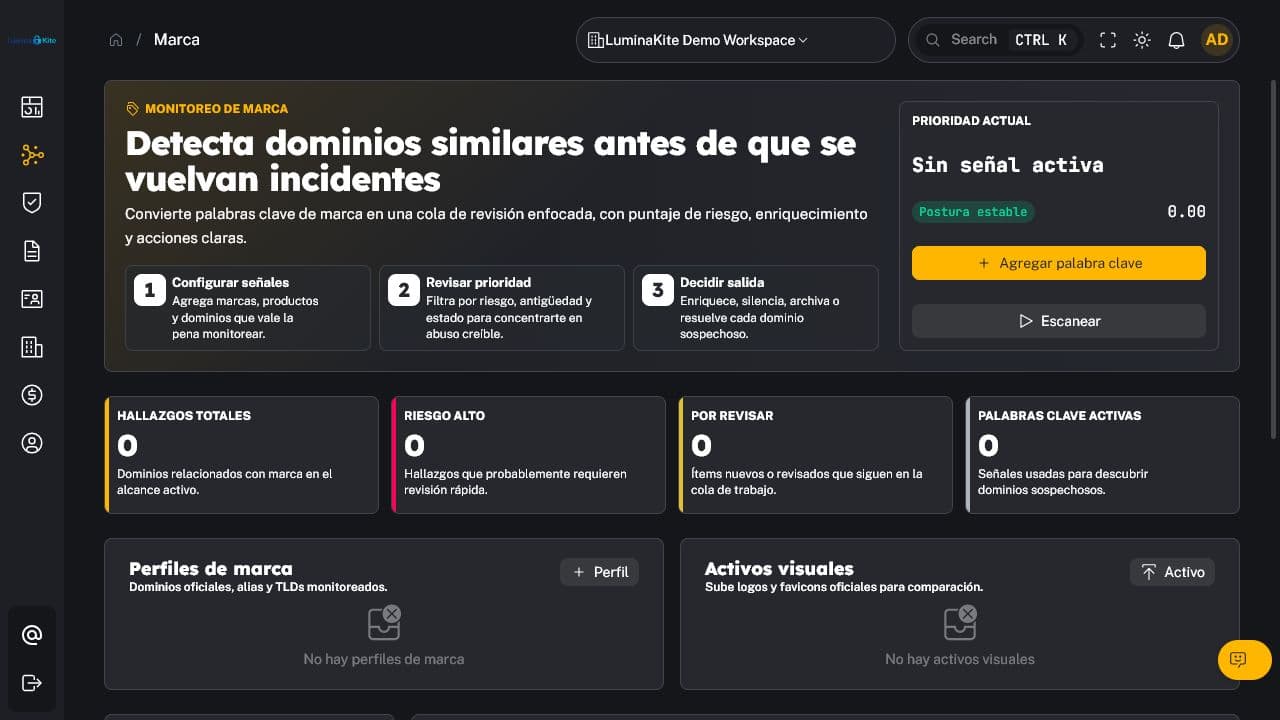
Figure 9. Brand-protection setup and findings. Captured: 2026-07-18.
Available on Business. Register brand terms or assets, inspect possible impersonation, enrich results, and manage findings or takedown actions when enabled.
Before escalation, validate similarity, context, ownership, and evidence; dismiss legitimate or generic matches; retain decision traceability; and follow the applicable legal and provider process. The platform does not replace legal advice.
<a id="reports"></a>
9. Reports
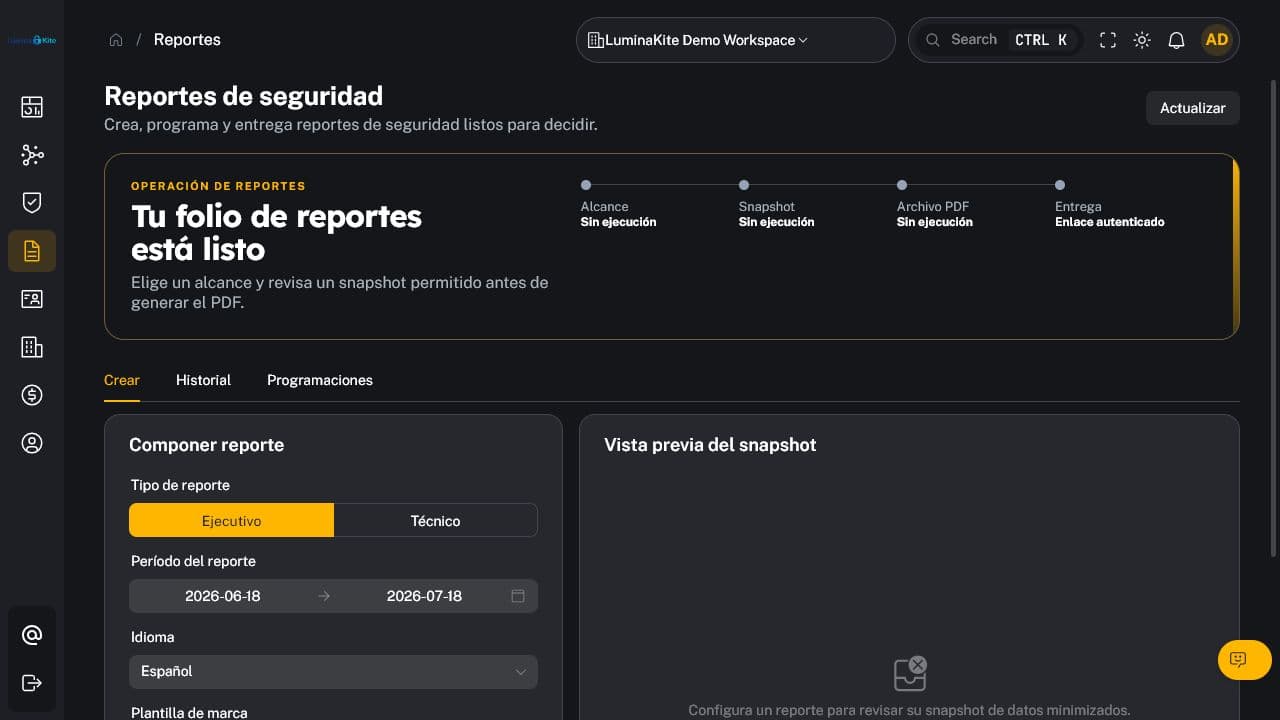
Figure 10. Report configuration, preview, history, and scheduling. Captured: 2026-07-18.
Available from Pro. Prepare executive or technical reports, select range, language, and brand template, review the preview, generate PDF, access history, and schedule authenticated deliveries when configured.
Always inspect the snapshot before generation. Reports may contain sensitive tenant information: use authorized recipients, protected delivery, appropriate expiry, and retention. Never include secrets or credentials.
<a id="identity-leaks"></a>
10. Identity Leaks
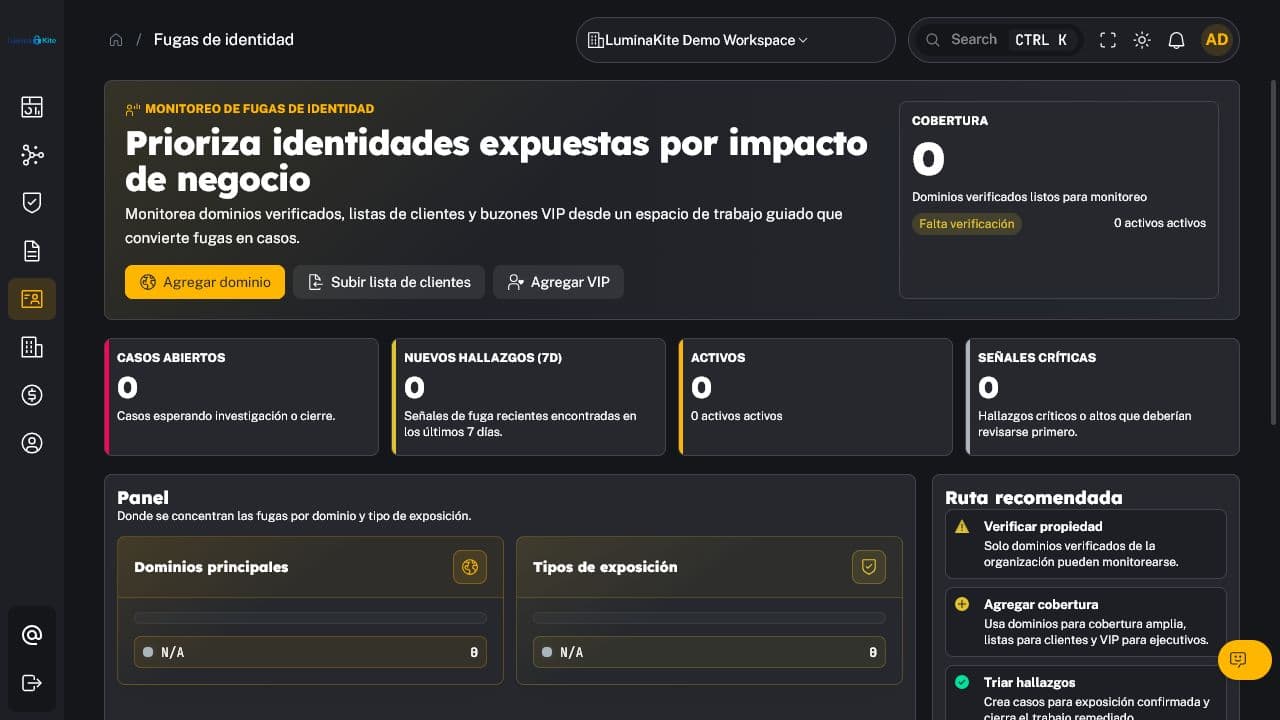
Figure 11. Identity assets, providers, findings, and cases. Captured: 2026-07-18.
Available from Pro. Manage identity assets, configured providers or sources, VIPs where applicable, findings, cases, and authorized exports.
This information can be personal and operationally sensitive. Apply minimization, need-to-know access, organization isolation, and defined retention. Do not upload passwords, reusable hashes, tokens, or unnecessary information. Confirm the customer's contractual basis and authorization before adding identities.
<a id="operating-cycle"></a>
11. Operating cycle
| Frequency | Suggested activity |
|---|---|
| Continuous | Address critical alerts, outages, and published incidents |
| Daily | Review new findings, overdue cases, and degraded monitors |
| Weekly | Validate discovered assets, rechecks, and risk acceptance |
| Monthly | Review trends, coverage, limits, channels, and reports |
| Quarterly | Review scope, members, keys, integrations, and retention |
Adapt the final frequency to risk, service agreements, and organizational responsibilities.
Change control: v0.1 — initial creation, 2026-07-18.